Jul 24
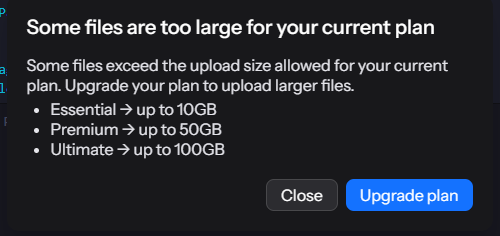
"Some files are too large for your current plan"
I just bought a 2TB plan but I get this dialog a lot (on windows desktop version). I have:a) no idea which file is meant -> file name would be greatb) no idea how big the file is -> currently allowed file size vs. the files size would be a great information.c) no idea which plan I'm on - can it be displayed somewhere?
Pending
As it is unlikely that you are uploading a 10GB file, the more likely answer is that you are uploading a file that is 0bytes. You can verify this by going into the app, clicking the gear icon, and clicking the issues menu item. At least that is what happened to me. It listed the files that were problematic and I just deleted them from my sync and they disappeared on next login. It would appear that you have to get a one of their top tier plans to save 0byte files. To see their plans you need to be in the web interface. Hope this helps.